Destroy outside screen behavior
This behavior deletes objects, like bullets, that go off screen in order to improve performance. Apply the behavior to an object and whenever an instance of this object goes out of the bounds of the game scene/screen it will be destroyed.
This is one way of ensuring that your game's performance doesn't suffer because it's keeping track of bullets or other objects that have left the game scene, and will likely never return.
Add behavior to object
To add a behavior to an object, first open the object properties by right-clicking/double clicking on the object that is located in the Objects list. Select "Edit object" from the popup list. Then select the Behaviors tab. Click the "add behavior" button.
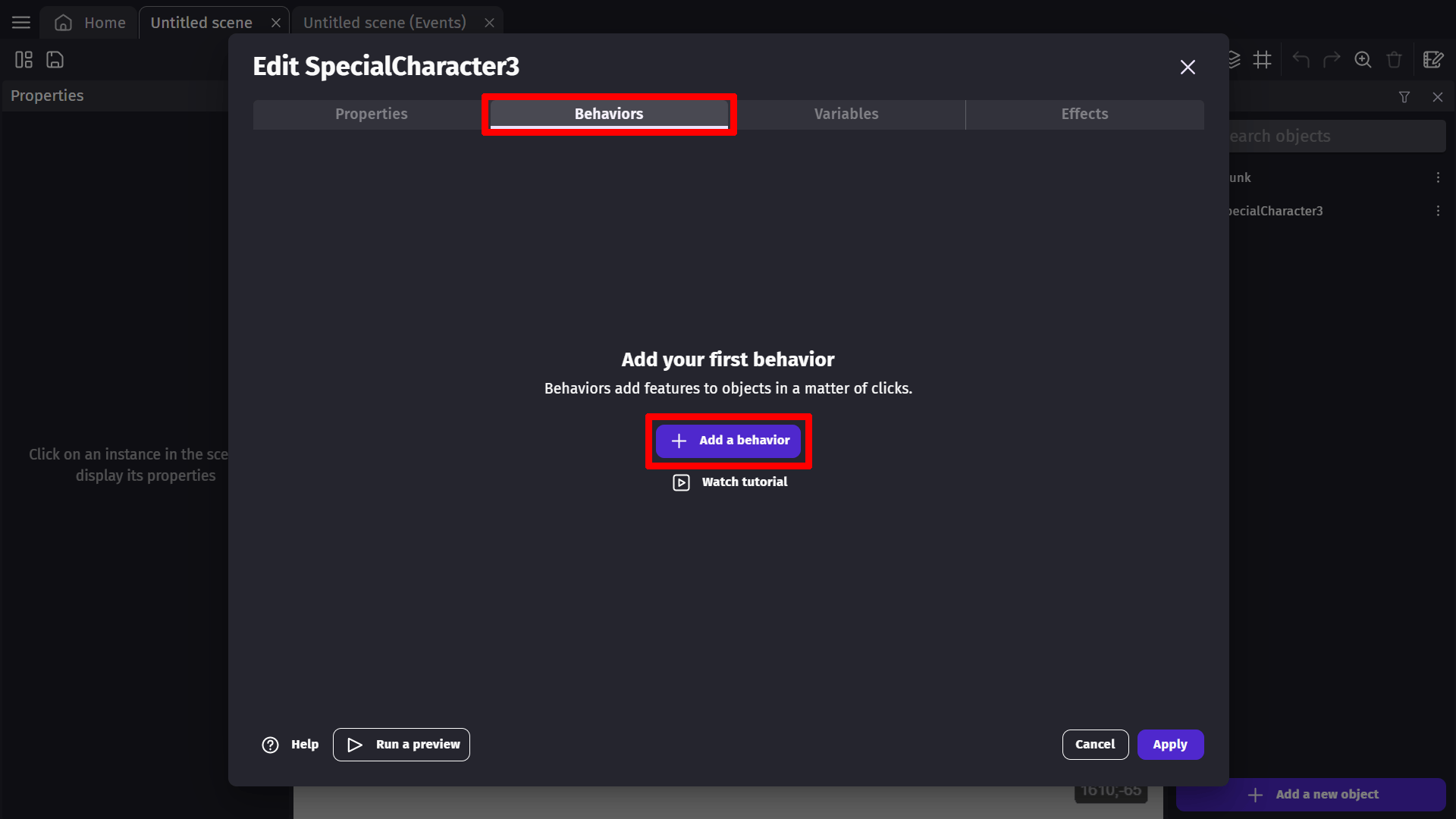
Destroy when outside of screen
Once you have selected this behavior from the list, it is going to eliminate the object whenever it is outside the screen. Press apply in the bottom right corner of the object properties window to confirm this change.

Behavior parameters
The Destroy Outside behavior has two optional parameters that provide fine control over when objects are deleted:
Extra border
- Adds an additional border (in pixels) beyond the visible camera area before the object is destroyed.
- Useful to destroy objects slightly after they leave the screen, ensuring smooth exits.
- Example: Setting this to 100 means the object will be destroyed 100 pixels beyond the visible screen edge.
Unseen grace distance
- Prevents objects from being immediately deleted if they spawn outside the camera view.
- If an object has never been visible on screen, it won't be destroyed until it exceeds this grace distance.
- Useful for spawning objects just outside the camera that will move into view.
- Example: Setting this to 500 allows objects to spawn up to 500 pixels offscreen without being deleted before they become visible.
Tip
The behavior tracks whether an object has been on screen. Objects that have been visible will be destroyed when they leave the camera area (plus extra border). Objects that were never visible are only destroyed when they exceed the unseen grace distance.
Examples
Tip
See it in action! 🎮
Open this example online.
Destroy Bullets Outside Screen/Scene

Reference
All actions, conditions and expressions are listed in the destroy outside behavior reference page.